











Datanatomy
Website: dayanebrar0x.github.io/data-anatomy.ai
The code behind every Datanatomy video. Each lesson is a short, real program you can run in a few seconds, paired with a video that walks through it line by line while an animation shows what each line does.
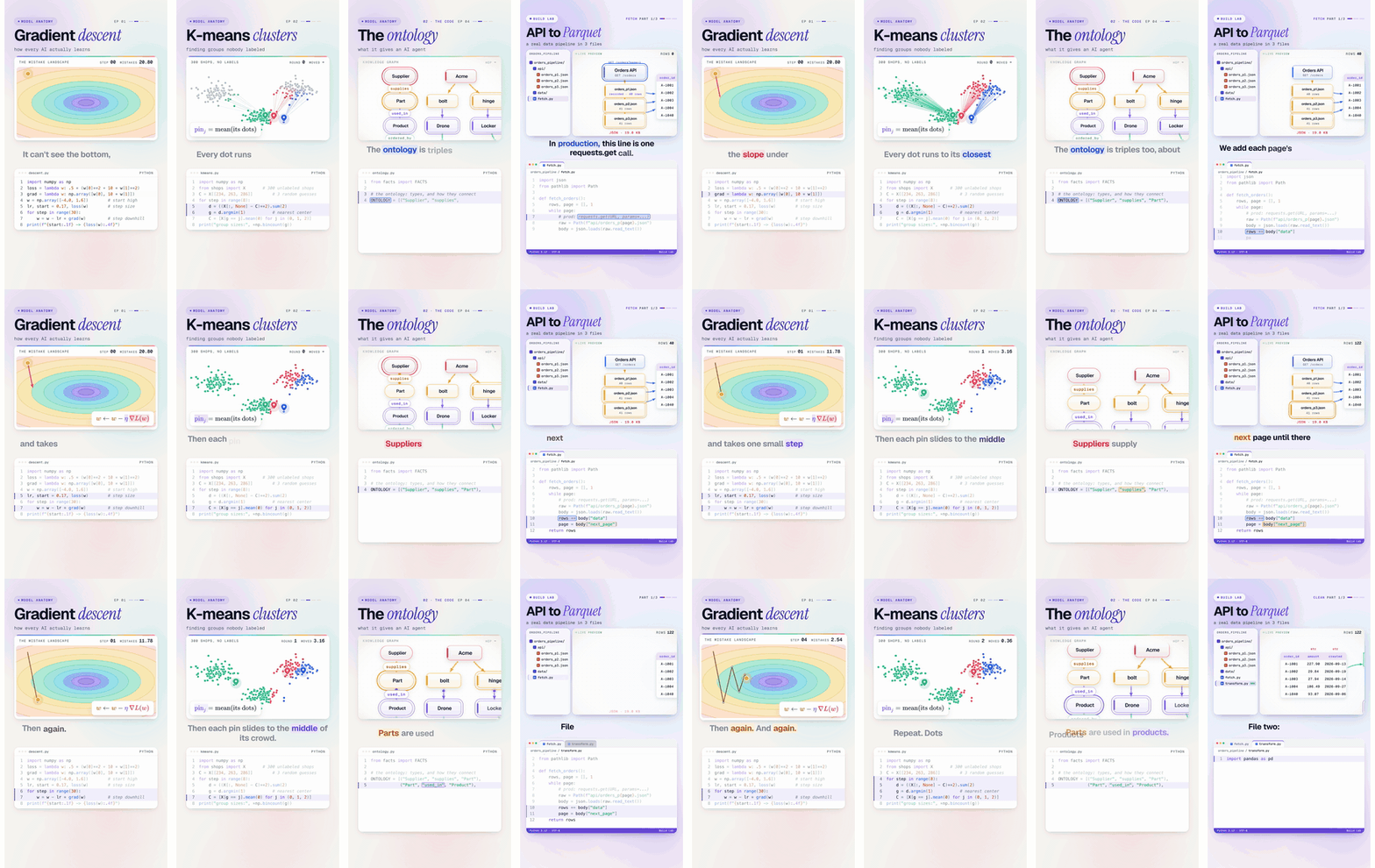
Two series:
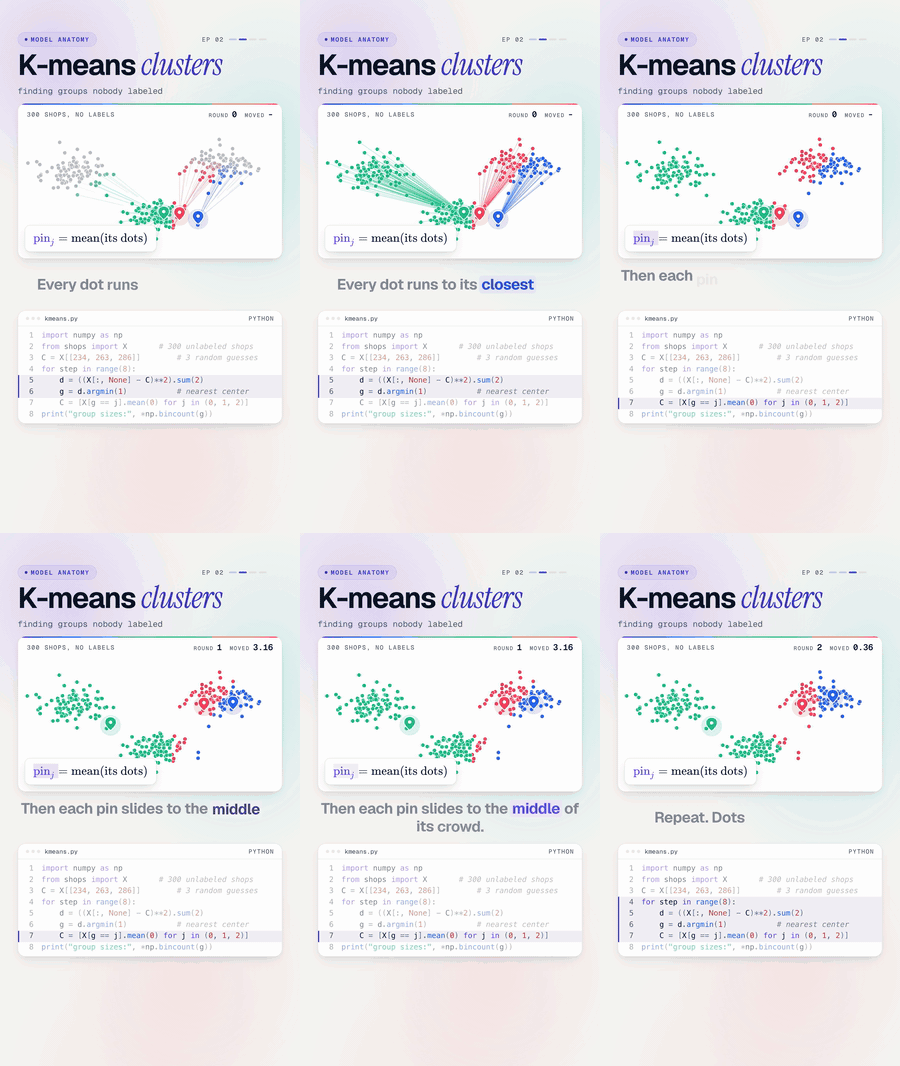
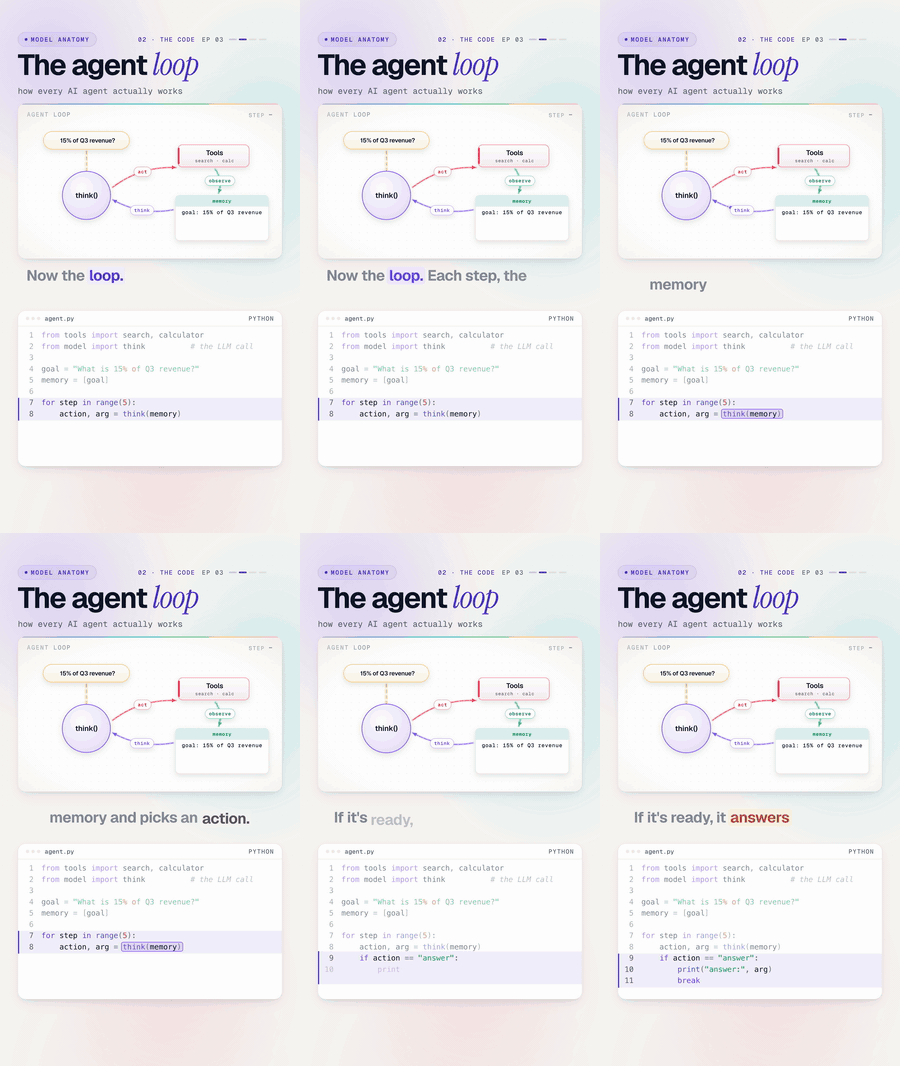
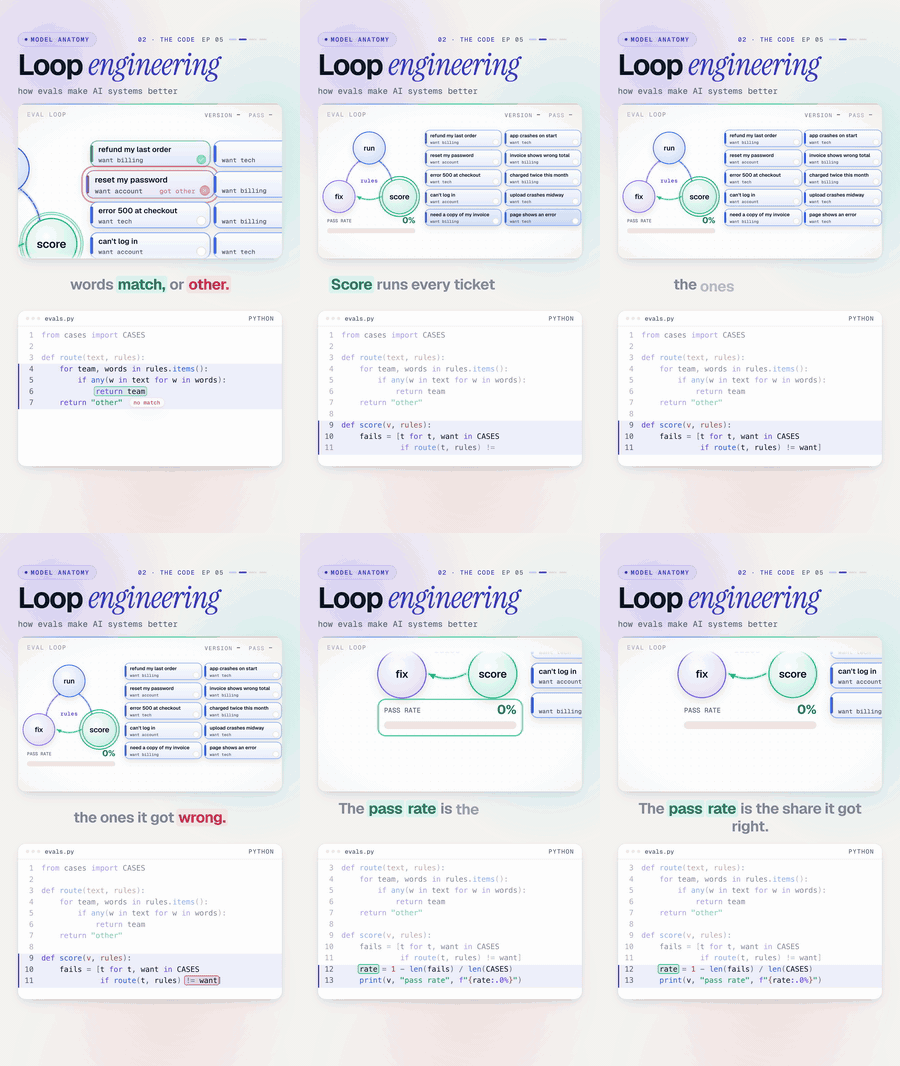
- Model Anatomy opens up how ML and AI actually work: gradient descent, clustering, agents, RAG, evals.
- Build Lab builds real projects step by step, the way you would at work.
No black boxes: the models here are small enough to read in one sitting, and the numbers you see in the videos are the numbers these files print.
Latest video
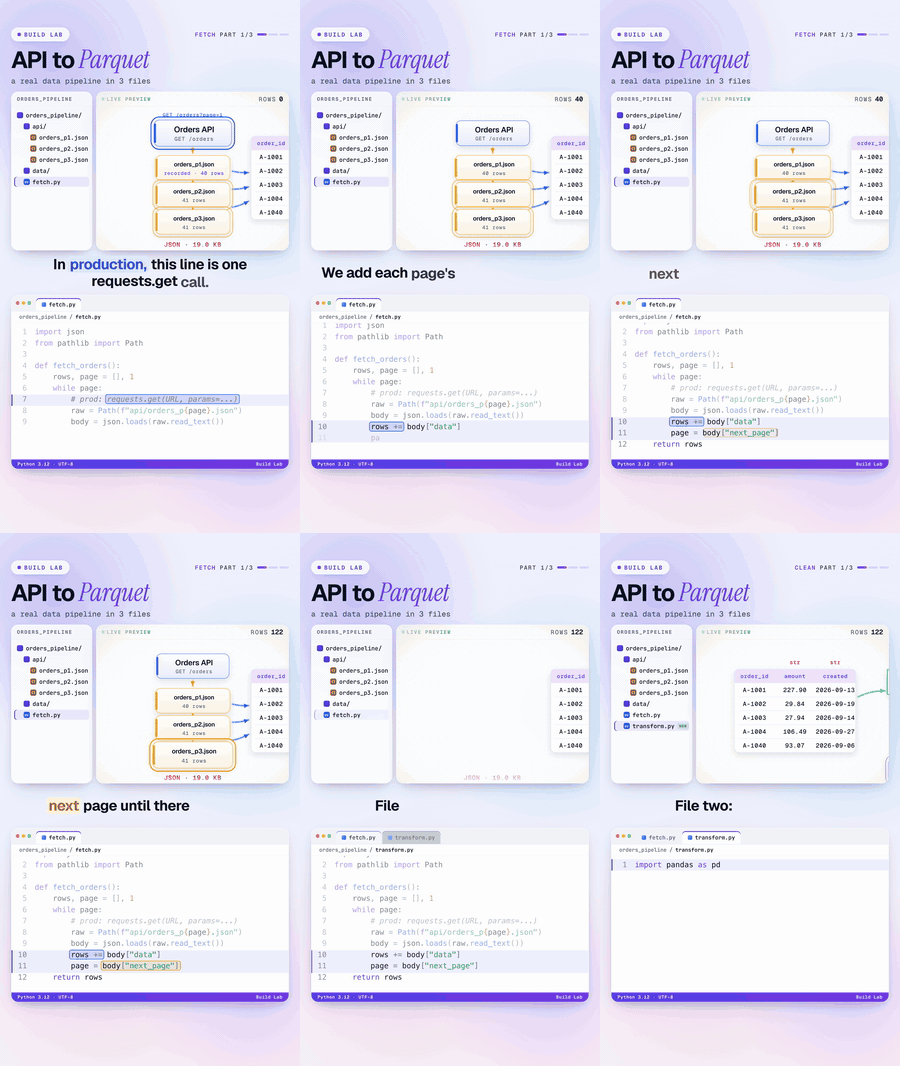
Build Lab, Part 1: API to Parquet
Build a real data pipeline in three Python files: fetch paginated JSON from an API, clean it with pandas, write Parquet, and query it with DuckDB. 19.0 KB of JSON becomes 5.6 KB of Parquet.
Watch: YouTube · TikTok · Instagram
Code: data-engineering/build-lab-01-api-to-parquet
Lessons
Lessons are grouped by domain. The numbers match the episode numbers in the videos.
| Domain | Lessons |
|---|---|
| Machine learning | What is machine learning, Gradient descent, Linear regression, no libraries, K-means clustering, Decision trees, A neural network from scratch, Overfitting, Choosing a model |
| AI engineering | The AI agent loop, RAG from scratch |
| Methodologies | Ontologies for AI agents, Evals and loop engineering |
| Data engineering | API to Parquet, ETL vs ELT, PySpark, Polars, Documents to data |
| Data architecture | coming soon |
| Exploratory data analysis | coming soon |
| Software engineering | coming soon |
| Backend | coming soon |
| Cloud | coming soon: infrastructure as code (Terraform, Terragrunt), containers (Docker, Kubernetes), AWS |
| Build Projects | coming soon: big, end-to-end projects |
Machine learning
| # | Lesson | You’ll learn | Video |
|---|---|---|---|
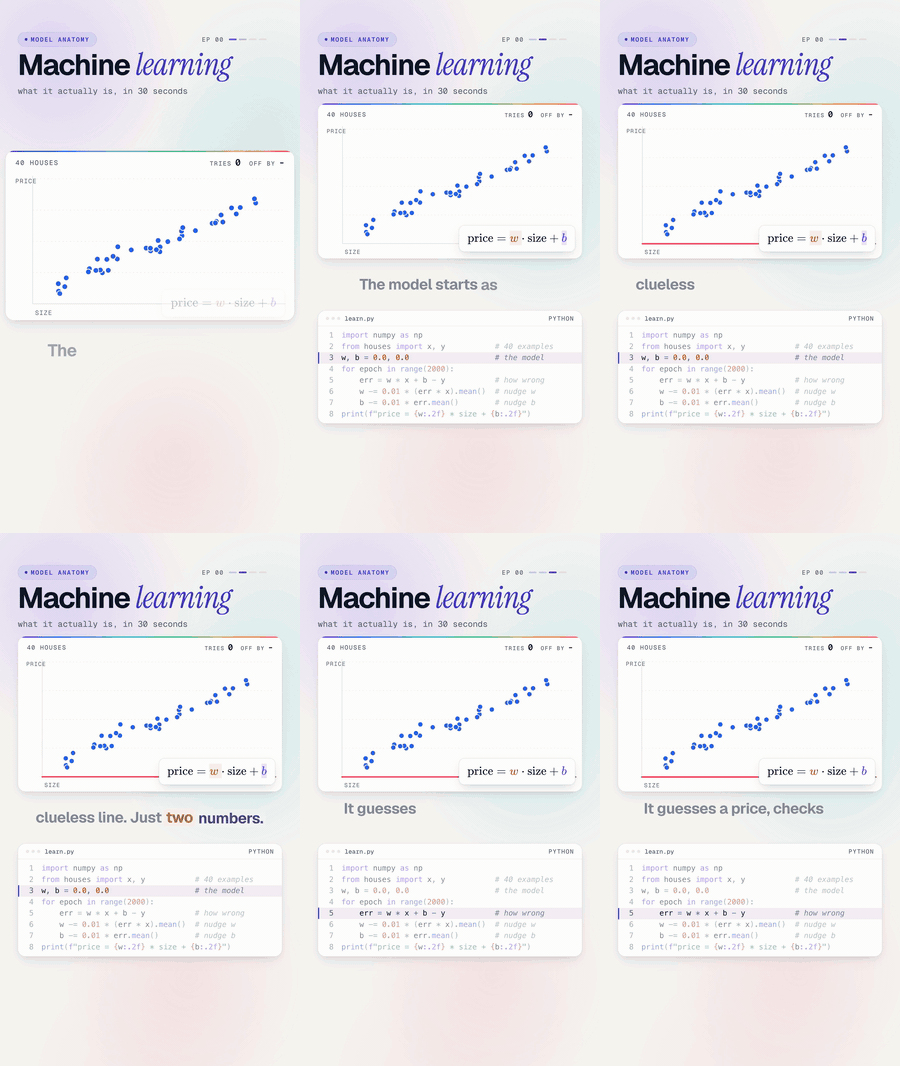
| 00 | What is machine learning | What “learning from examples” means, with a line that fits itself to 40 house prices | 35s |
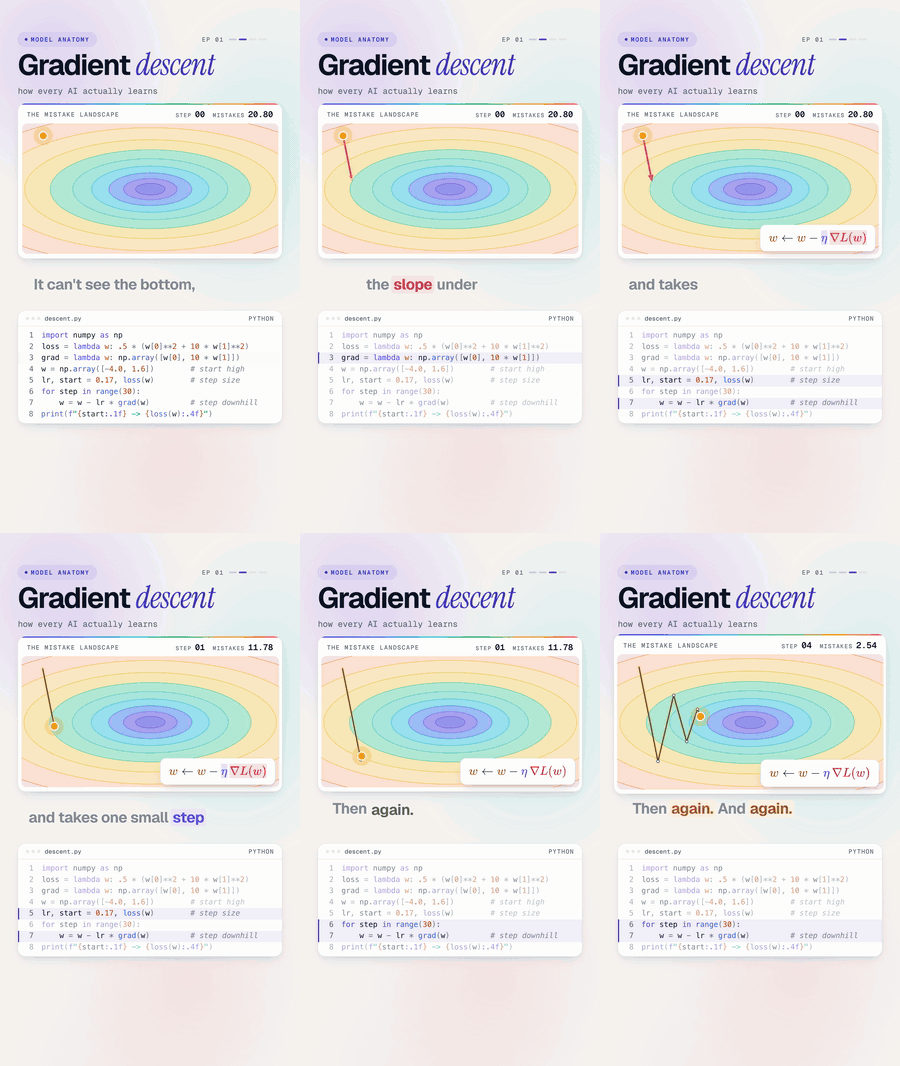
| 01 | Gradient descent | How every model improves: feel the slope, take a small step, repeat | 32s |
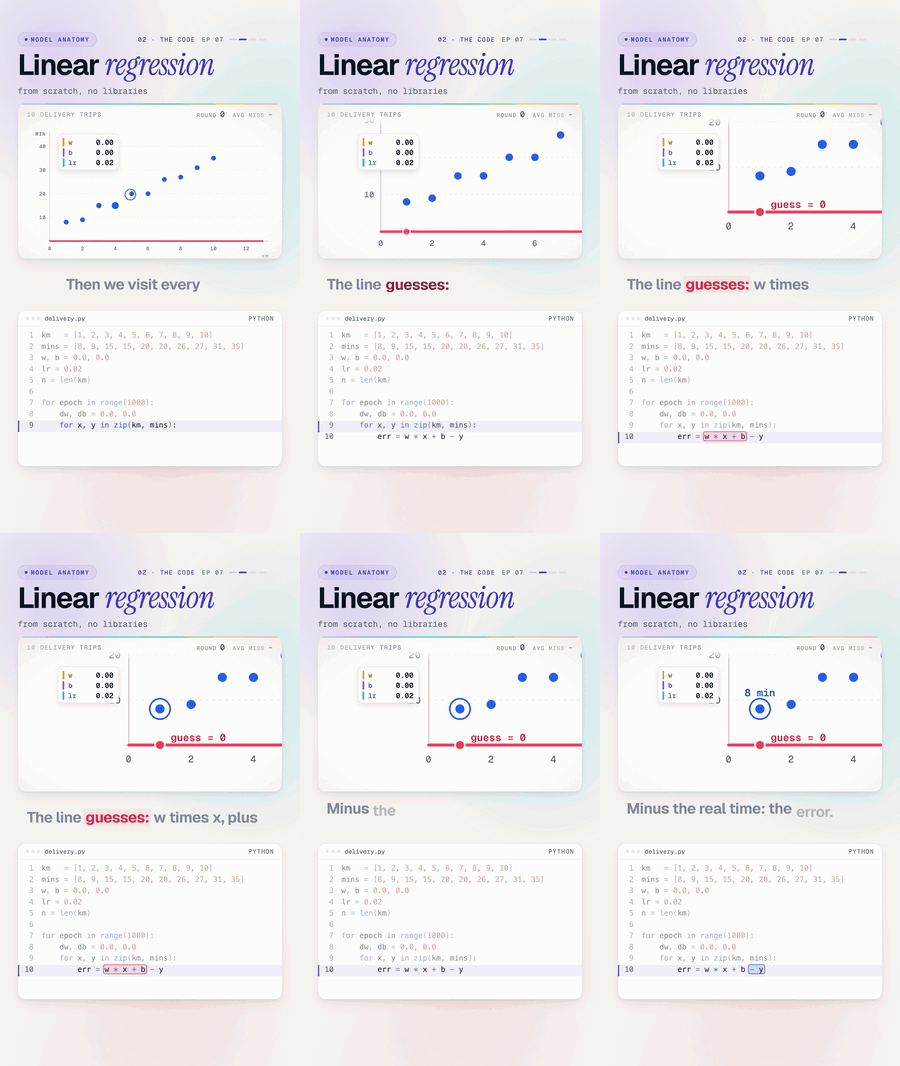
| 07 | Linear regression, no libraries | The full training loop in plain Python, and what breaks it | 80s + 32s |
| 02 | K-means clustering | Finding groups in data nobody labeled | 31s |
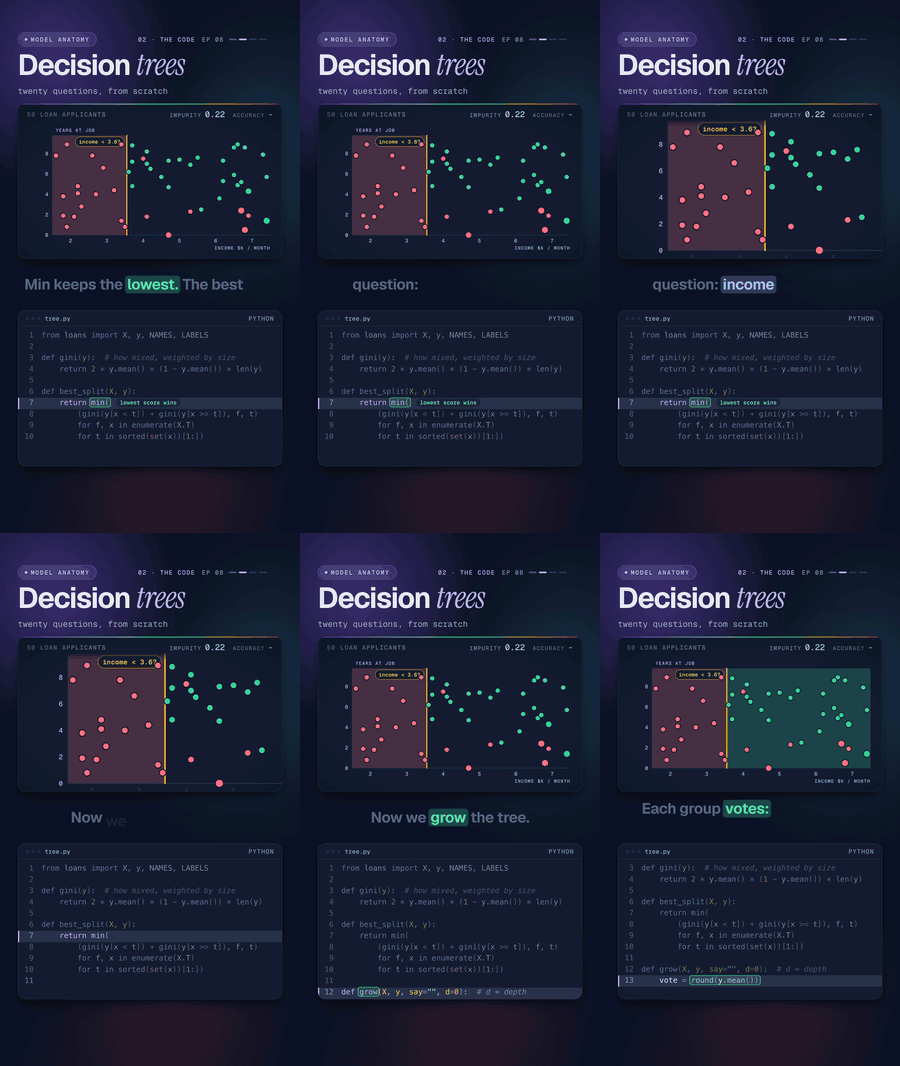
| 08 | Decision trees | How a tree picks its questions with Gini impurity, built from scratch | 137s |
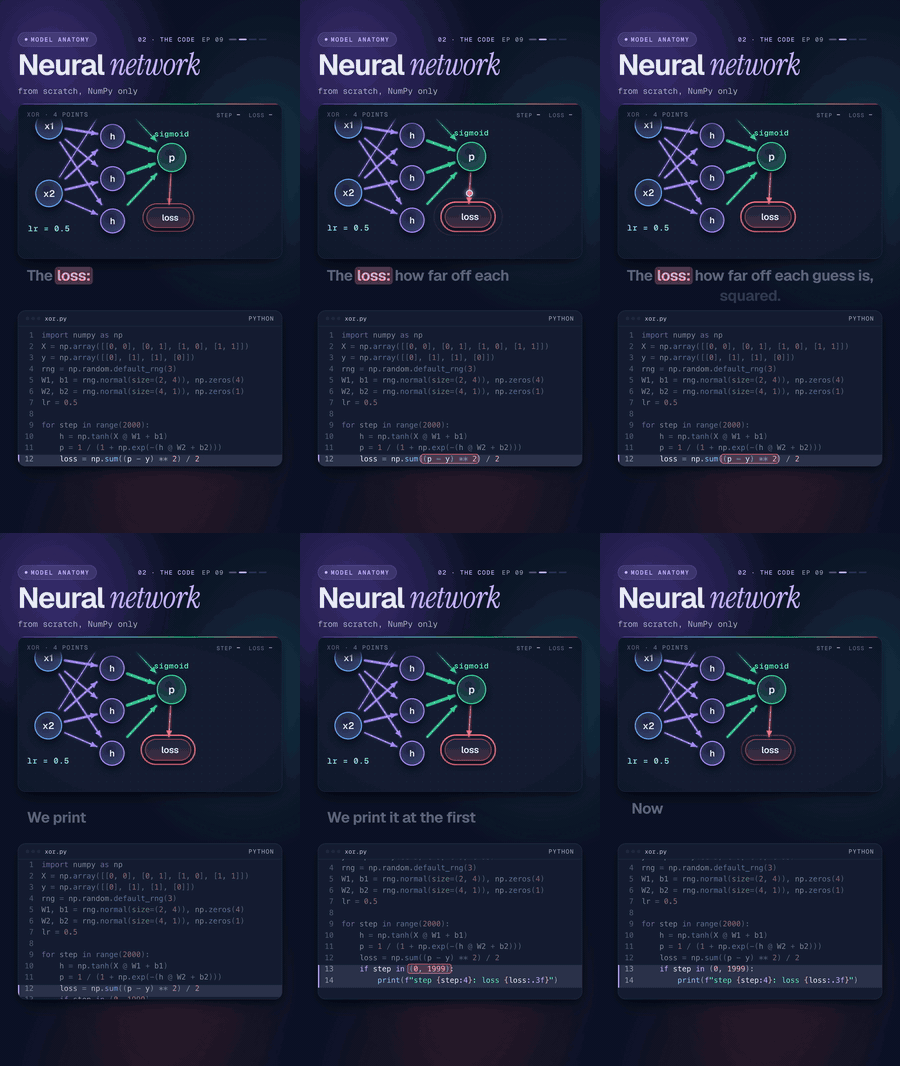
| 09 | A neural network from scratch | XOR, two layers and backpropagation written out by hand | 145s |
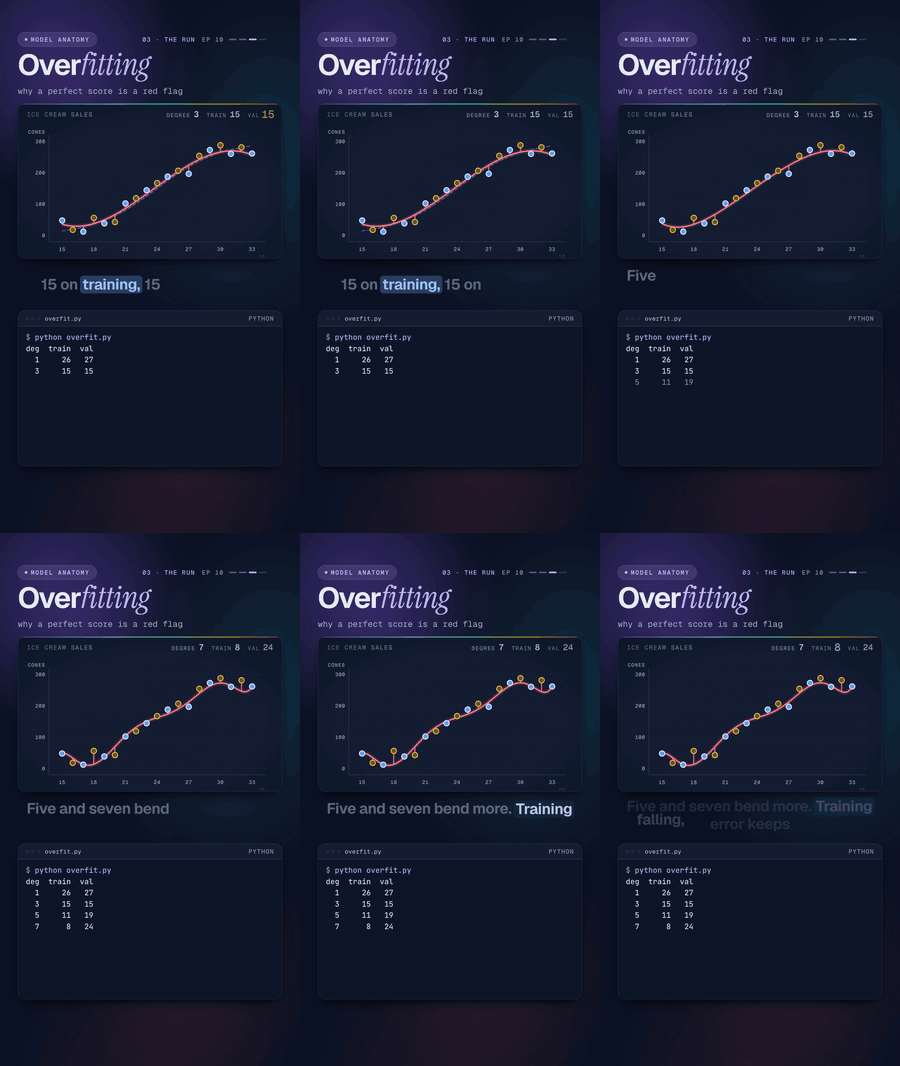
| 10 | Overfitting | Why a perfect training score is a red flag, and how validation catches it | 142s |
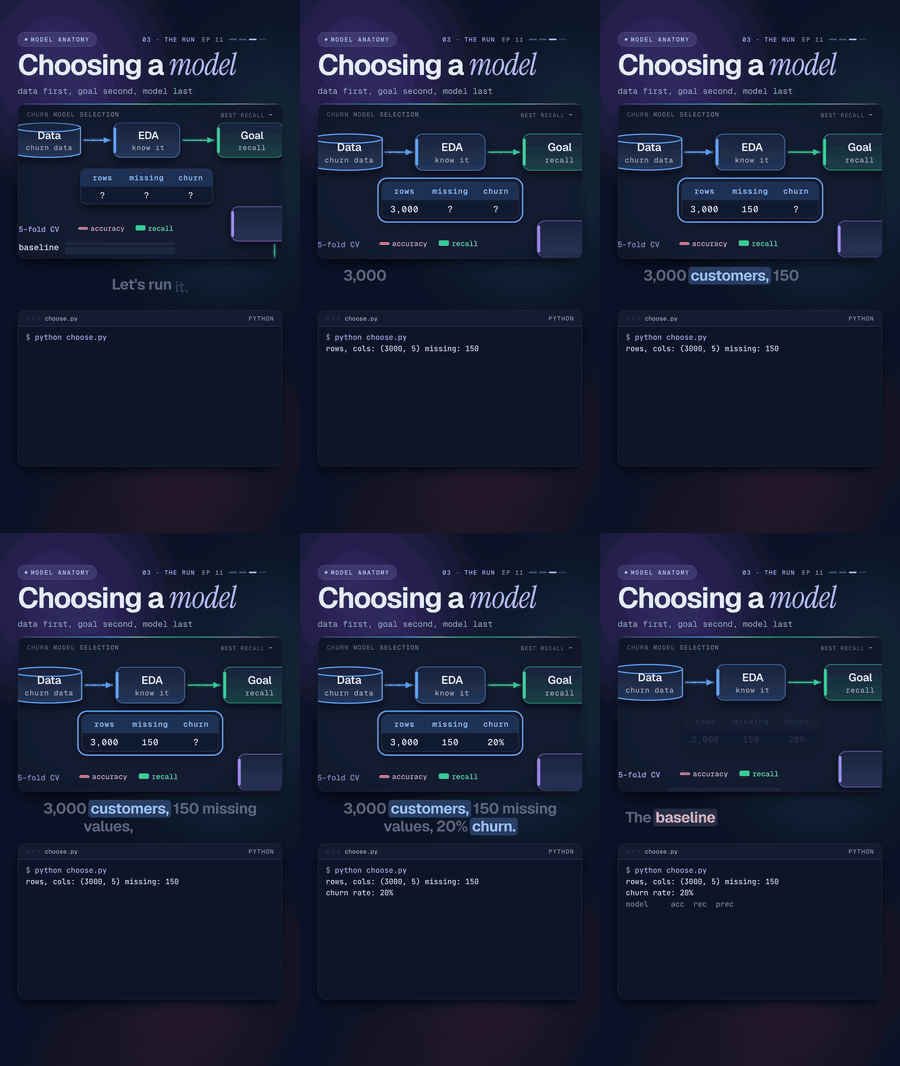
| 11 | Choosing a model | Picking an algorithm for production: data first, goal second, model last | 143s |
AI engineering
| # | Lesson | You’ll learn | Video |
|---|---|---|---|
| 03 | The AI agent loop | Think, act, observe: the loop behind every AI agent, with tools and a guardrail | 83s |
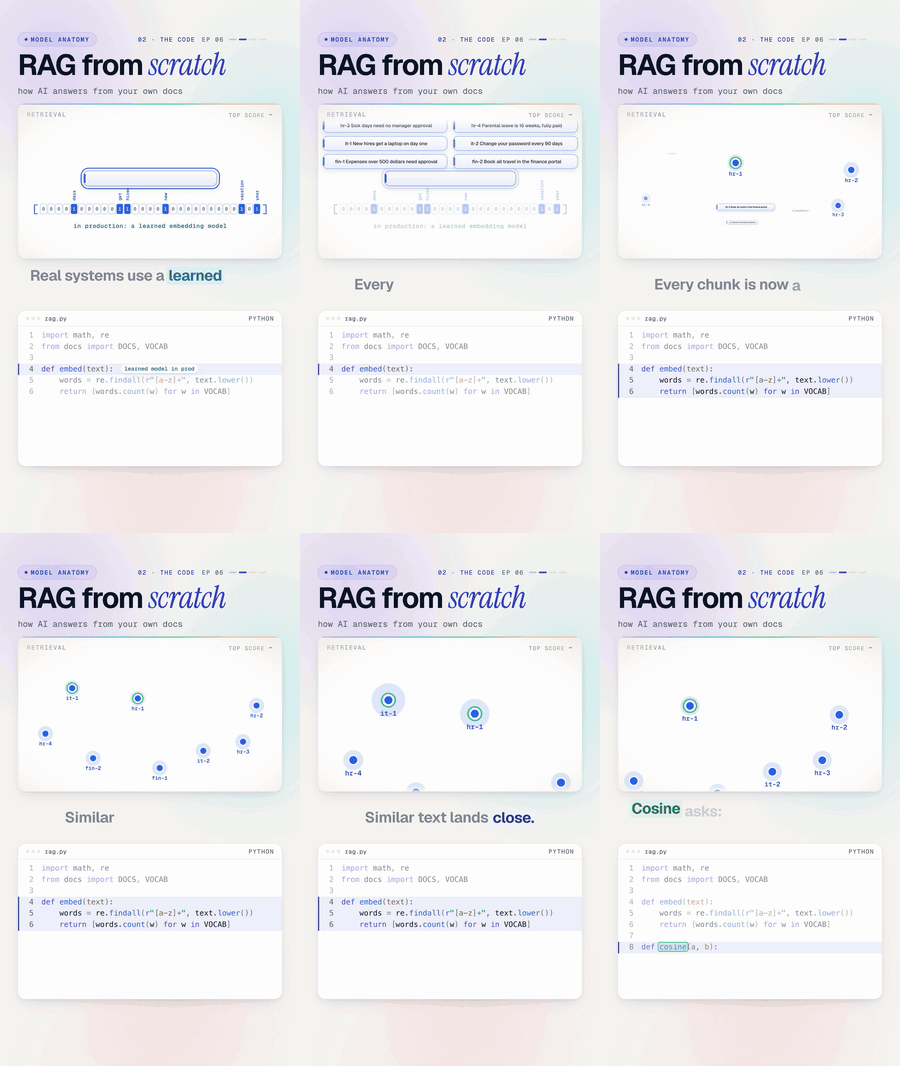
| 06 | RAG from scratch | How an assistant answers from your own documents, with a source | 95s + 30s |
Methodologies
| # | Lesson | You’ll learn | Video |
|---|---|---|---|
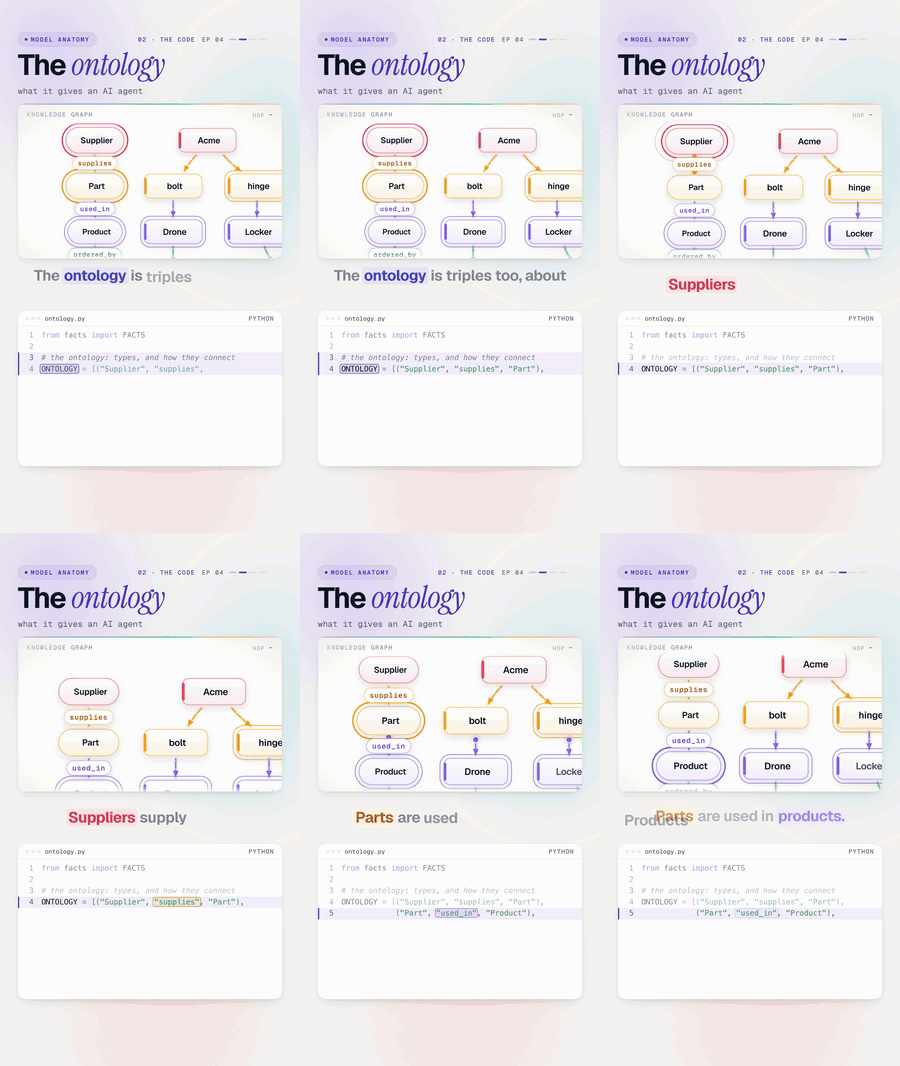
| 04 | Ontologies for AI agents | Why agents need named relationships to answer multi-hop questions | 92s + 34s |
| 05 | Evals and loop engineering | Measuring an AI system, fixing it, and keeping it from breaking again | 100s + 34s |
Data engineering
| # | Lesson | You’ll learn | Video |
|---|---|---|---|
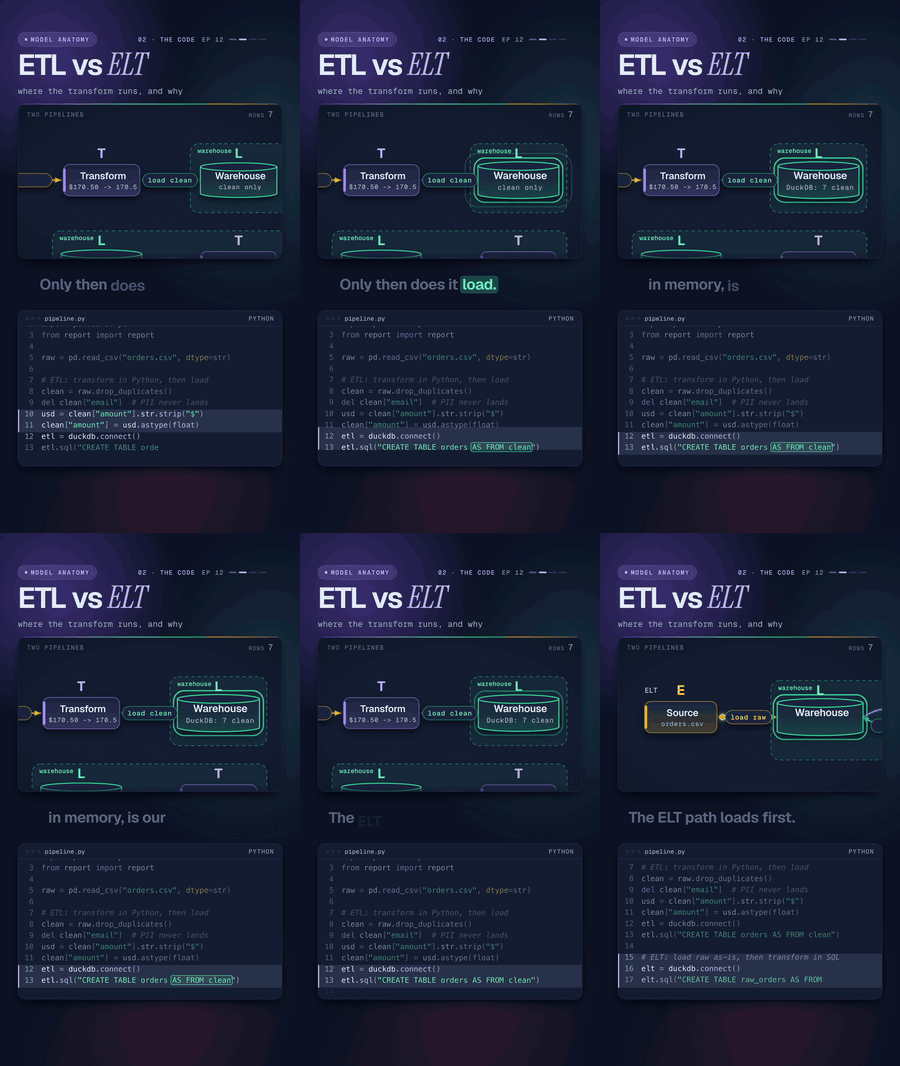
| 12 | ETL vs ELT | Where the transform runs, and why it changes your data platform | 138s |
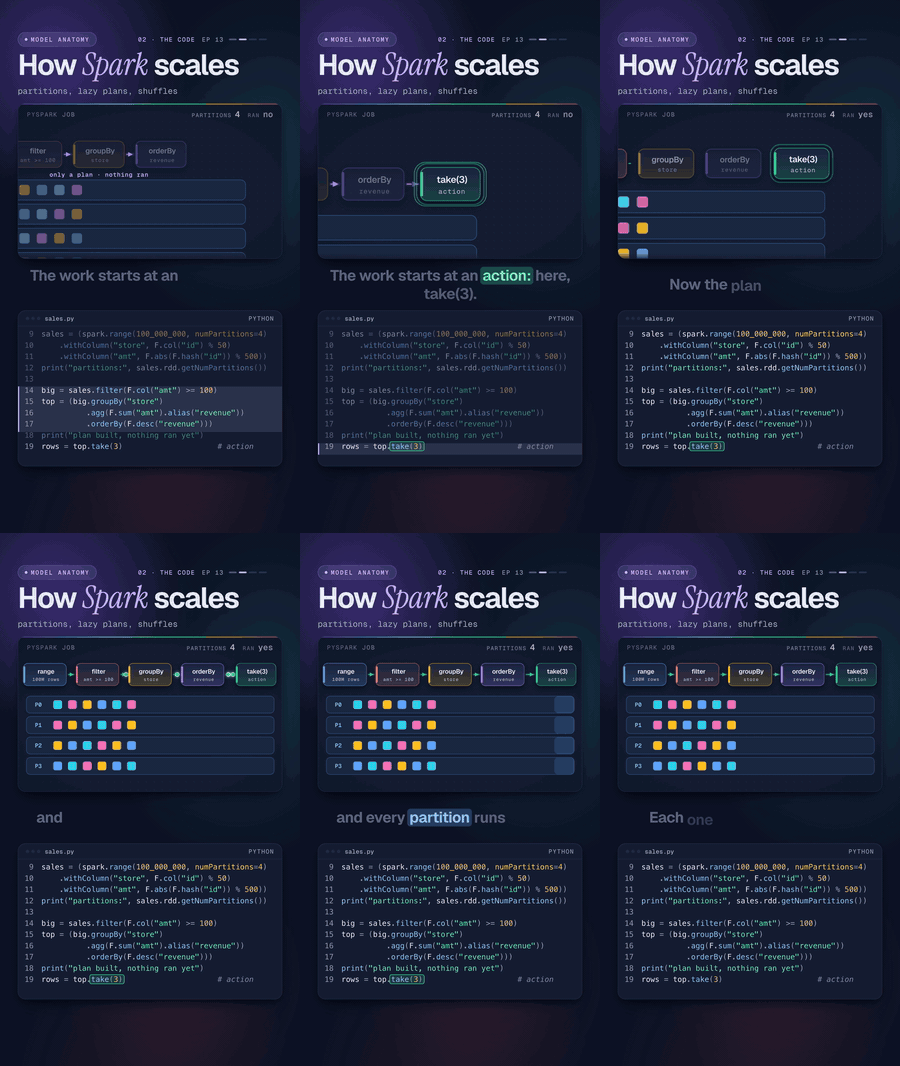
| 13 | PySpark | Partitions, lazy plans and shuffles: how Spark scales | 108s |
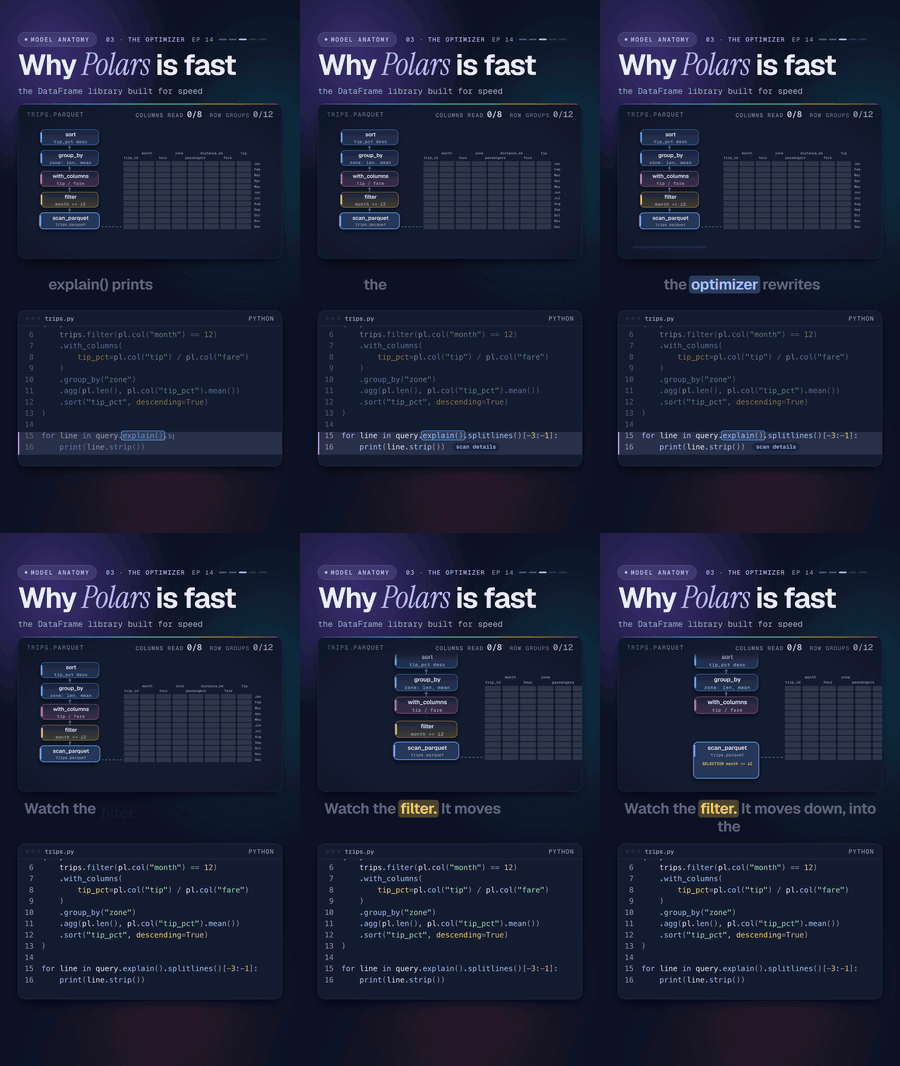
| 14 | Polars | Lazy queries that read only the columns and row groups they need | 118s |
| BL01 | Build Lab 01 · API to Parquet | A three-file data pipeline: API pages to a clean, typed, queryable Parquet file | 99s |
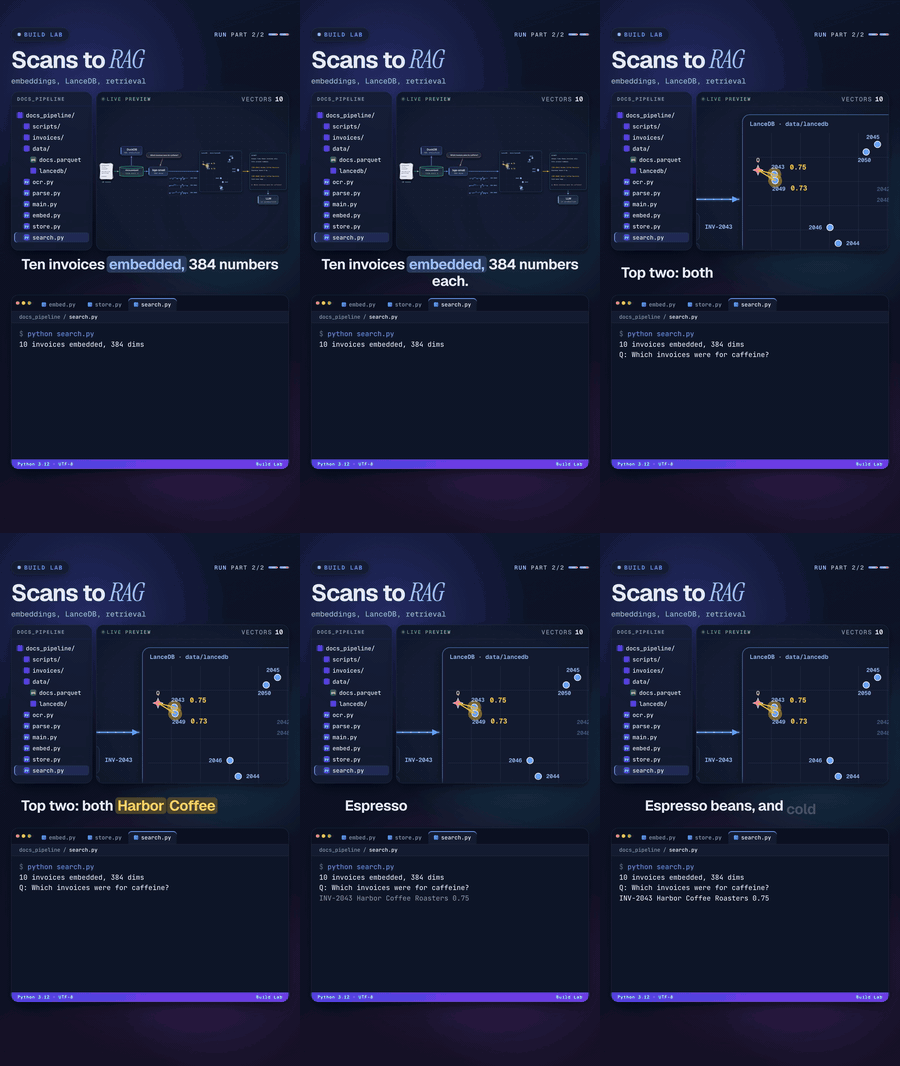
| BL02 | Build Lab 02 · Documents to data | Invoice images to OCR, JSON, Parquet and SQL, then embeddings in LanceDB for RAG | 140s + 143s |
New to this? Start with the learning path.
Coming next
30 topics are lined up, from PySpark, Polars and OCR pipelines to Terraform state and Kubernetes. Each one has a page that already explains the idea, and each becomes a video and runnable code here. See all topics, or suggest one.
Gallery
Every lesson, moving. Click one to open its code and walkthrough.
Run the code
You need Python 3.10 or newer.
git clone https://github.com/DayanEbrar0X/data-anatomy.ai.git
cd data-anatomy.ai
python3 -m venv .venv && source .venv/bin/activate
pip install -r requirements.txt

python3 ai-engineering/03-ai-agent-loop/src/agent.py    # run any lesson
Lessons 03 to 07 use only the Python standard library. The others use NumPy, pandas, scikit-learn, Polars, PySpark or DuckDB, and Build Lab 02 also needs Tesseract for OCR. More detail in docs/setup.md.
How the repo is organized
data-anatomy.ai/
├── machine-learning/            how models learn
├── ai-engineering/              agents, RAG, building with LLMs
├── methodologies/               ontologies, evals, loop engineering
├── data-engineering/            pipelines and file formats
├── data-architecture/           how data is organized across systems
├── exploratory-data-analysis/   getting to know a dataset
├── software-engineering/        code that lasts
├── backend/                     APIs, databases, services
├── cloud/                       infrastructure as code, containers, AWS
├── build-projects/              big, end-to-end projects
├── topics/                      what's coming next, one page per topic
├── docs/                        learning path, setup, glossary
├── assets/                      banner, logo, GIFs
└── requirements.txt
Every lesson uses the same layout, the one real Python projects use:
methodologies/04-ontology/
├── README.md         the idea, how to run it, a line-by-line walkthrough, things to try
├── data/             the data, as plain CSV or JSON files
├── scripts/          one-off scripts that generated the data (when there are any)
├── src/              the code from the video, plus the helpers it imports
└── short/            the code from the 30-second version (when there is one)
Keeping data and code apart is a habit worth copying: you can change the data without touching the logic. The
file from the video is always in src/, line for line, so you can pause on any frame and find the same line here.
Docs
- Learning path: what to watch and run, in order
- Setup: Python, virtual environments, and troubleshooting
- Glossary: every term used in the videos, in plain words
License
MIT. Use the code to learn, teach, or build. A link back to the channel is appreciated.